Weekly Activity History
Modified on Mon, 11 May at 3:04 PM
How can I view my weekly activity history?
The Activity tab displays the current Paceline week (Mon - Sun) by default. The date range above the Streak counter can be used to view your historical weekly activity.
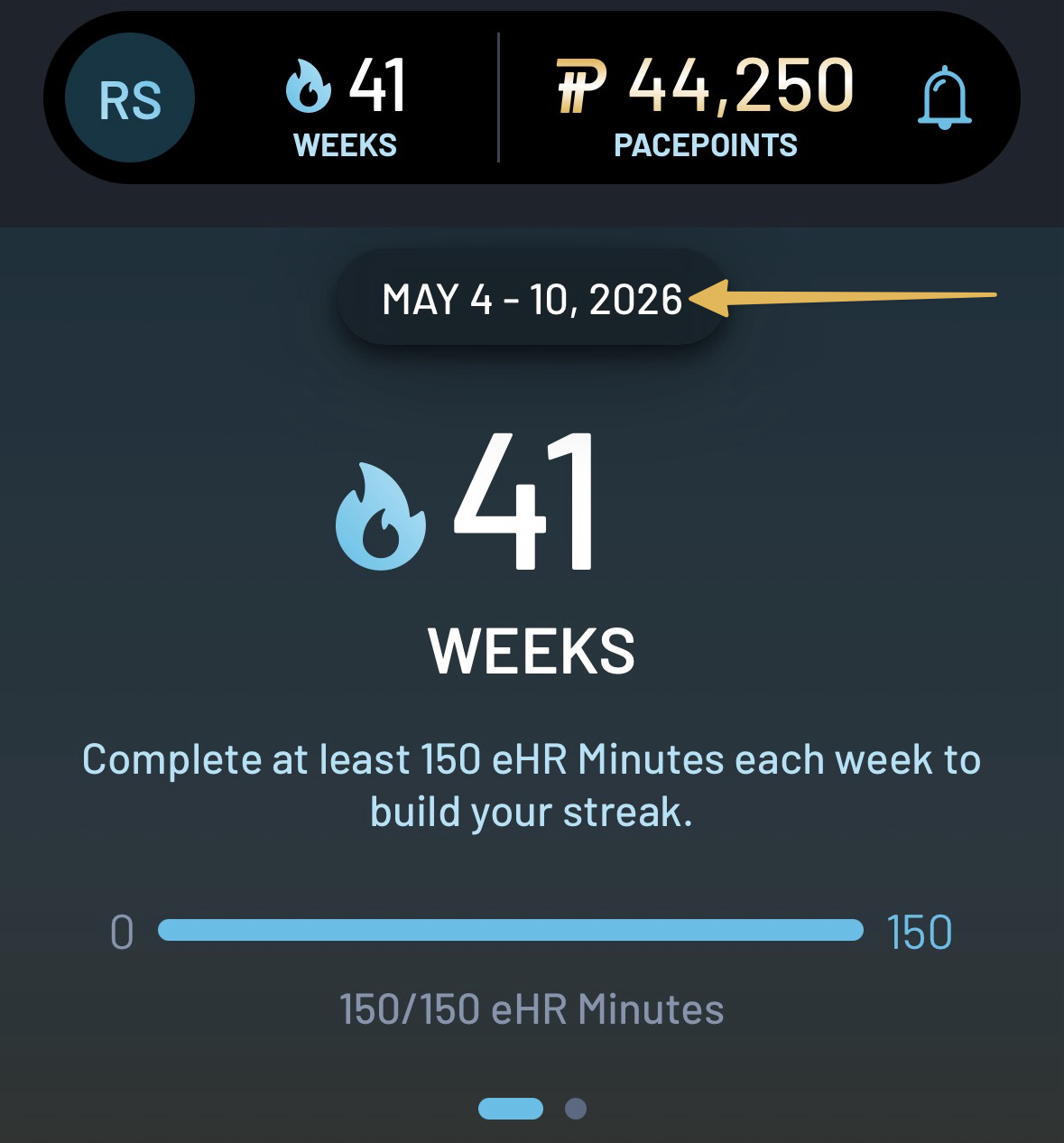
To view activity for a previous week:
- Tap the date range at the top of the Activity tab to open the Calendar Week Selector.
- Select any previous week to view your eHR Minutes, Steps, Weekly Goals, and Workout activity.
To return to the current week, tap the date range again and select the current week from the Calendar.
Was this article helpful?
That’s Great!
Thank you for your feedback
Sorry! We couldn't be helpful
Thank you for your feedback
Feedback sent
We appreciate your effort and will try to fix the article